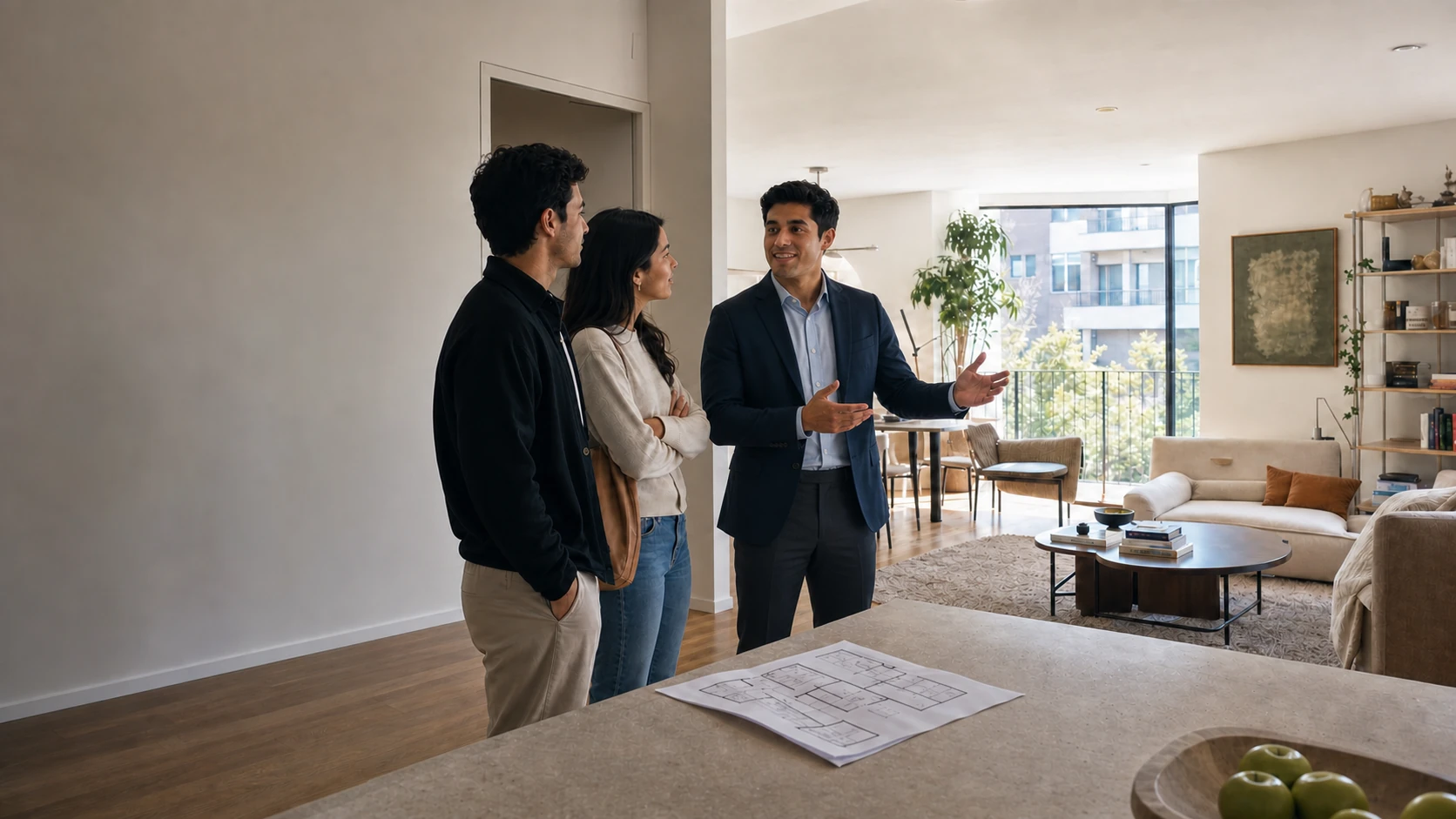
Watch a listing handle a buyer.
Three real templates — start as simple as you like, grow when you're ready. Each one is running exactly as it ships: no edits, no staging; every tap you see is the buyer's.
They comment TOUR
Any comment on the listing post gets a private reply in seconds.
The listing lands in their DMs
Photos, price, and this week’s times — delivered, not promised.
One tap to the full listing
The button opens your listing page, and every tap is tracked.
They comment RSVP
The DM captures their email with consent, then shares your open-house booking page.
They pick their window
They choose from your Saturday availability on the hosted booking page; their number is saved after they book.
Saturday morning, the reminder
Details and directions sent, visitor tagged, and the day-of nudge goes out by itself.
They comment the address
The reply offers listing details, photos, and a path to request a showing.
They browse, then request
Rooms appear as browsable cards; interested buyers answer one question before the agent gets the request.
You get the buyer context
Pre-approved, cash, or browsing — their answer is saved; showing requests capture a number and alert the agent.
The inquiry keeps moving.
One flow can answer the comment, share the home, capture buyer intent, and offer a path to book — with one contact record per buyer.
Open house, answered
Directions, details, parking — each matching comment can get the reply while you’re mid-showing.
Buyer context before you dial
Pre-approved, cash, or just browsing — buyers share where they are with one tap, and the answer sticks to the contact.
Tours book around your availability
Buyers choose a slot on your hosted booking page; confirmations and reminders follow automatically.
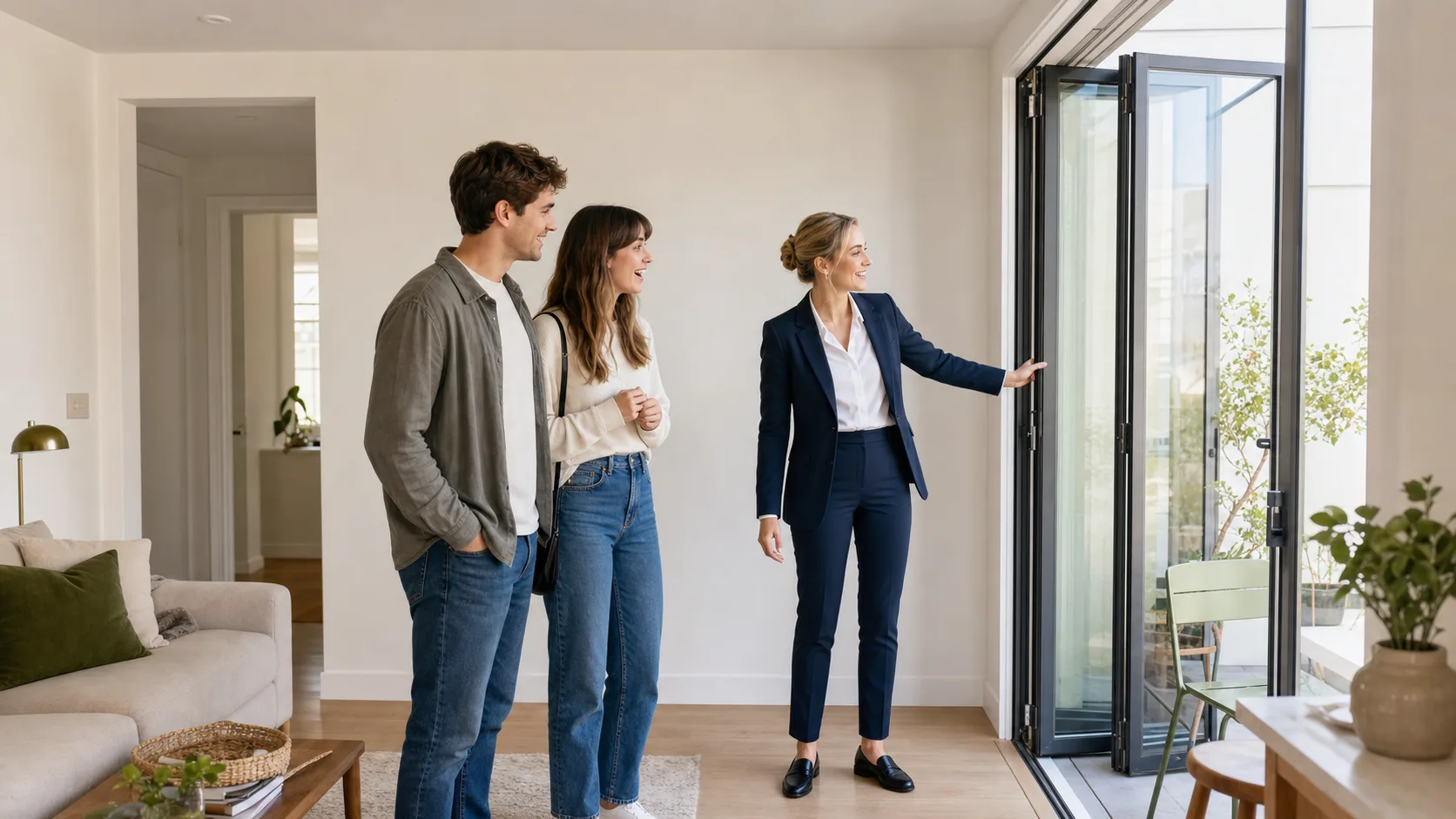
Move interested buyers toward a tour.
Answer comments, share the listing, collect buyer intent, and offer tour times while you stay present at the showing.